

ONEGODIAN Capital Portal™
Private Capital Infrastructure for Notes, Bonds, Ledgers, Disclosures, and Certificates
The ONEGODIAN Capital Portal™ is the private recordkeeping and investor-facing infrastructure layer for ONEGODIAN LLC capital instruments, including digital notes, bonds, disclosure acknowledgements, ledger entries, and verifiable certificates.
This portal is designed for structured administration, documentation, and controlled presentation of capital-related records. It does not independently create, approve, or validate any securities offering.
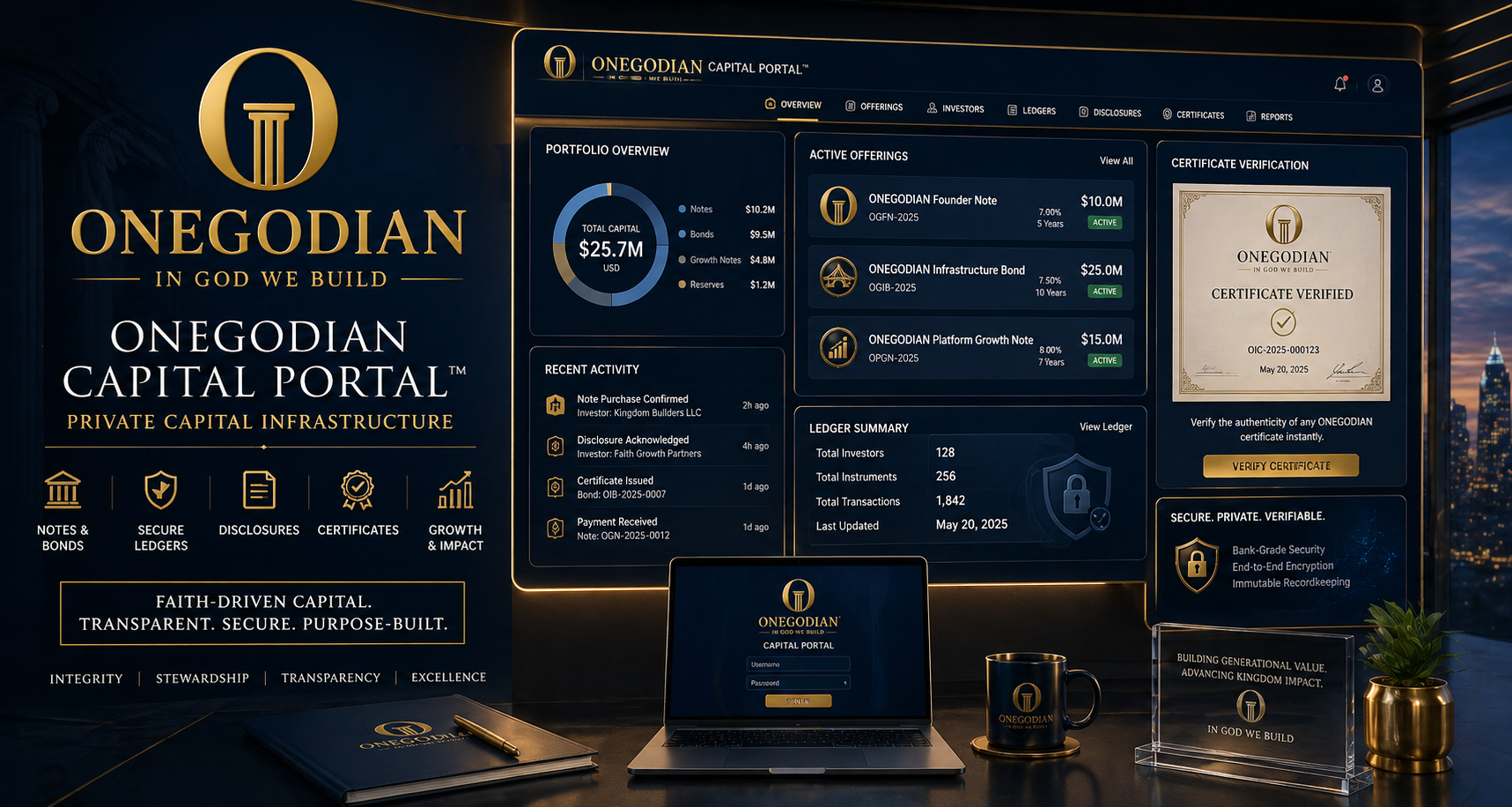
Capital Portal Access
Use this page to review available offering records, disclosure materials, investor dashboard access, certificate records, and capital documentation.
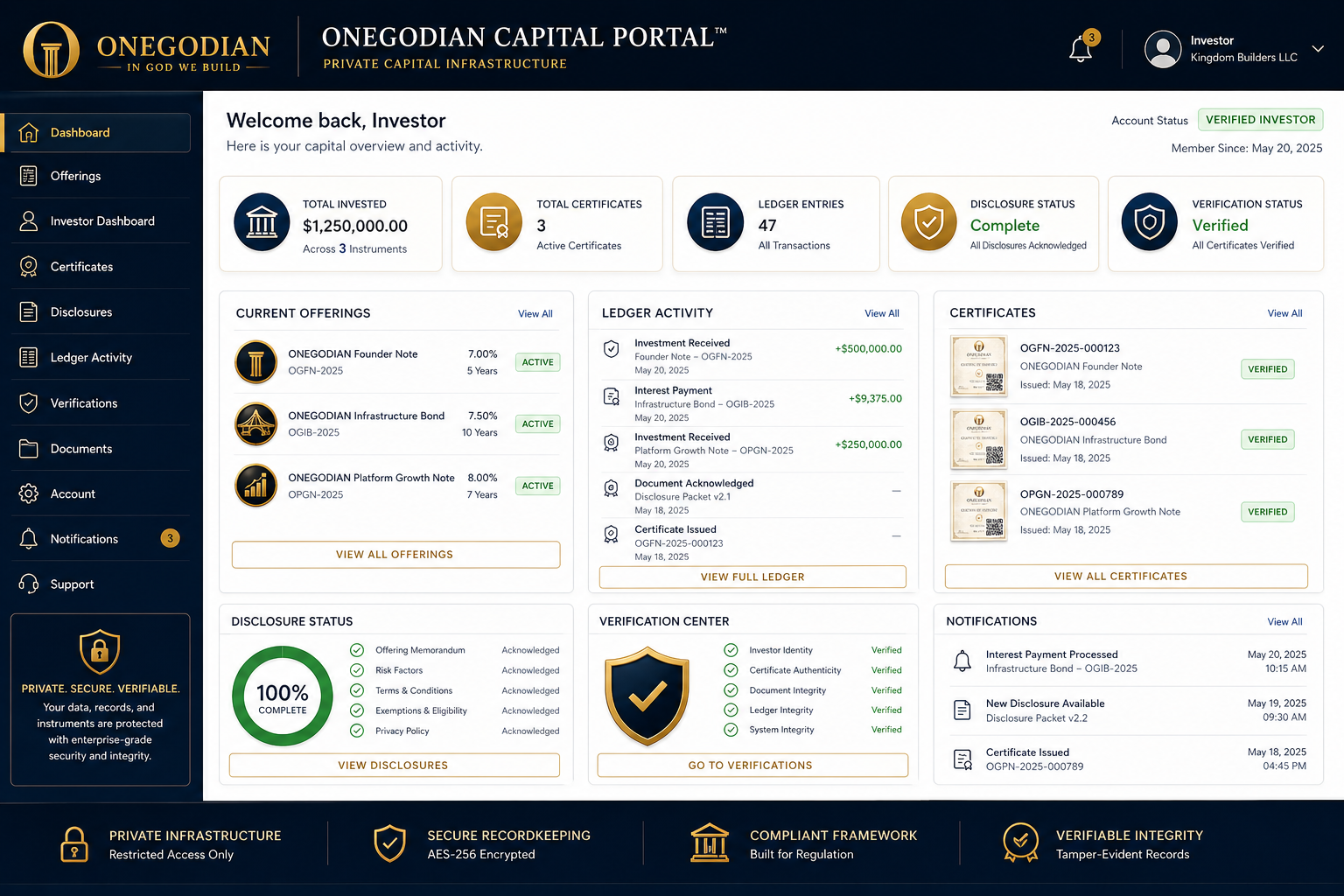
Image Placeholder: Portal dashboard preview — offerings, certificates, ledger activity, disclosure status, and verification widgets.
Image Placeholder: Offering cards preview — ONEGODIAN Notes™, ONEGODIAN Bonds™, status labels, disclosure packet version, and review CTA.
Current Offerings
View available or internal-review capital offering records.
ONEGODIAN Capital Portal
Digital Capital Instruments
Disclosure-backed recordkeeping for notes, bonds, certificates, ledgers, and investor dashboard records.
ONEGODIAN Disclosure Workflow Test Offering
…
- Minimum
- 100
- Maximum
- 1000
- Target
- 7500
- Disclosure
- TEST-DISC-005
ONEGODIAN Certificate Workflow Test Offering
…
- Minimum
- 25
- Maximum
- 100
- Target
- 1000
- Disclosure
- TEST-DISC-004
ONEGODIAN Platform Growth Note — Test Offering
…
- Minimum
- 50
- Maximum
- 250
- Target
- 2500
- Disclosure
- TEST-DISC-003
ONEGODIAN Infrastructure Bond — Test Offering
…
- Minimum
- 250
- Maximum
- 1000
- Target
- 10000
- Disclosure
- TEST-DISC-002
ONEGODIAN Founder Note — Test Offering
…
- Minimum
- 100
- Maximum
- 500
- Target
- 5000
- Disclosure
- TEST-DISC-001
Image Placeholder: Investor dashboard section — private member interface with instrument records, disclosures, certificates, and ledger history.
Investor Dashboard
Access instrument records, certificate history, disclosure acknowledgements, ledger activity, and account notices.
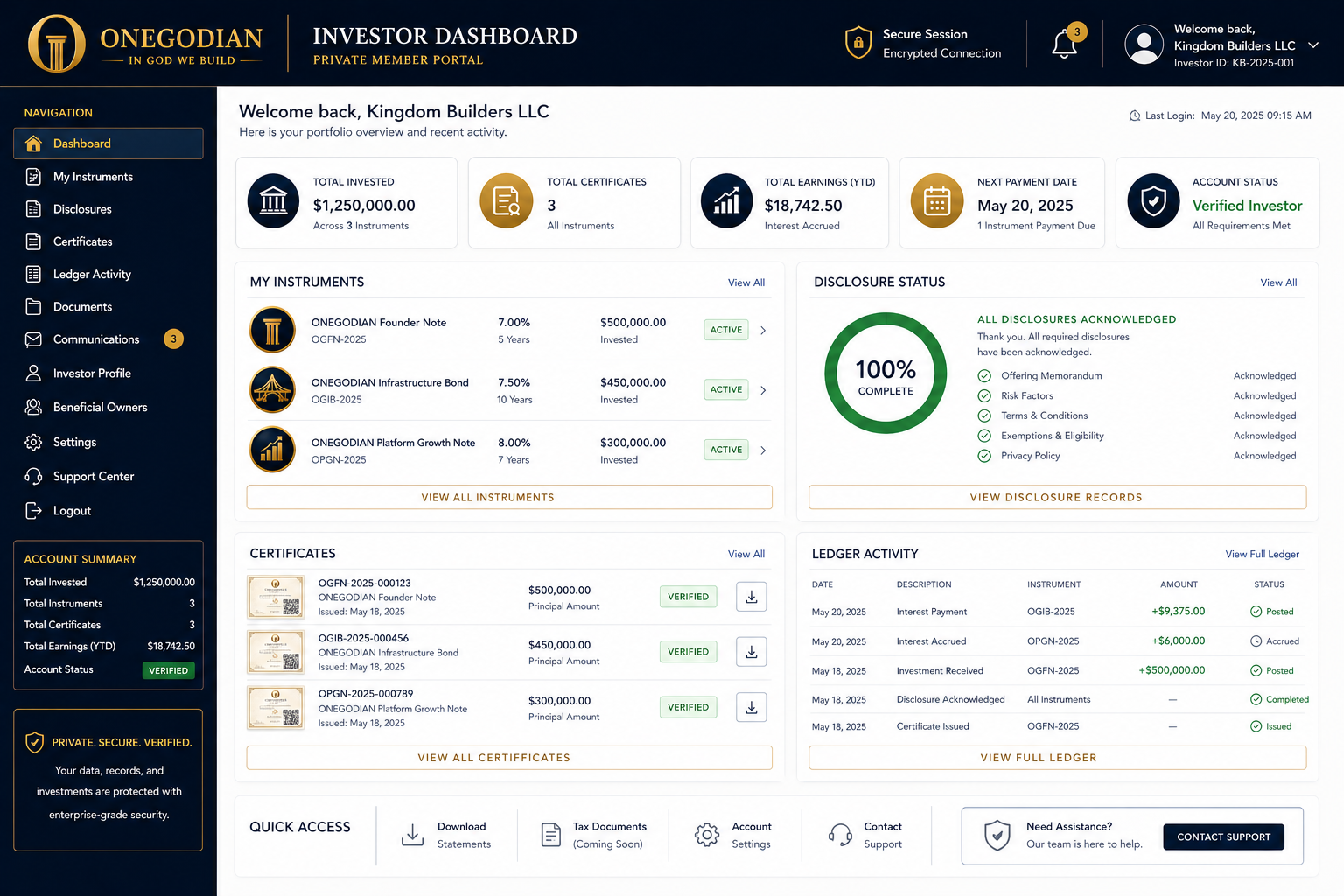 Image Placeholder: Disclosure packet review — document stack, approval checklist, consent record, timestamp, and audit trail.
Disclosure Review
Review disclosure status and acknowledgement records before any capital-related issuance workflow.
Disclosure Requirement
Disclosure Packet
Image Placeholder: Certificate verification screen — certificate preview, QR verification marker, certificate ID field, and validation status.
Certificate Verification
View certificate metadata and verification records connected to issued instruments.
ONEGODIAN Capital Certificate
PENDING
- Certificate Status
- Placeholder
- Instrument ID
- Pending
- Verification Hash
- Pending verification hash
- Verification URL
- https://onegodian.com/capital/verify/
ONEGODIAN, LLC

Image Placeholder: Compliance gate visual — checklist interface with locked live-mode toggle, legal review, Stripe review, disclosure approval, and certificate verification testing.
Production Readiness Notice
Live payment processing, public capital workflows, public-facing offering checkout, investor onboarding, certificate issuance tied to paid orders, and any production capital transaction flow must not be activated until the full production-readiness checklist is completed, documented, reviewed, and approved.
Required Readiness Items
- Legal review of offering terms
- Disclosure packet approval
- Investor eligibility rules
- Stripe live-mode review
- Refund/cancellation policy
- Data retention policy
- Backup/export testing
- Admin permissions testing
- Certificate verification testing
- Tax/accounting review
Until these items are completed, the Capital Portal should remain in setup, test, staging, private-review, or internal recordkeeping mode only.
Legal and Operating Boundary
The ONEGODIAN Capital Portal™ is software infrastructure for managing digital records related to private capital instruments. It does not provide investment advice, legal advice, tax advice, broker-dealer services, securities approval, or public offering authorization.
All notes, bonds, repayment terms, investor eligibility rules, disclosures, exemptions, offering documents, tax treatment, and payment workflows must be reviewed by qualified professionals before public use.
Image Placeholder: Operating boundary diagram — WordPress presentation layer, WooCommerce checkout-only layer, Capital Portal recordkeeping layer, disclosure approval gate, certificate verification layer.